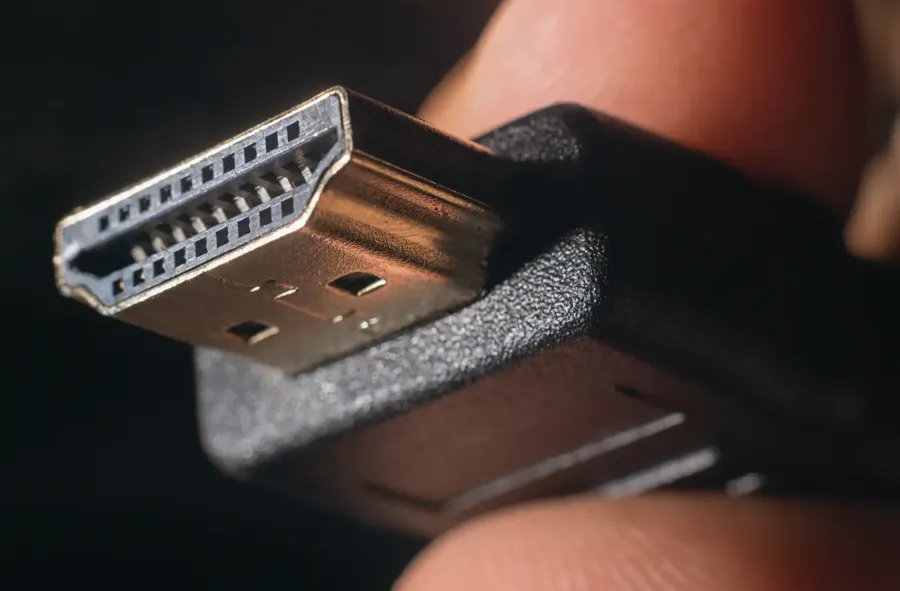
Choosing the correct HDMI cable can have a big impact on your gaming, viewing and audio experiences. With this get the know guide you will understand the differences and be able to select what HDMI cable is best for you. Different cables provide different solutions depending on cabling distance, resolution and other features required for your connection.
HDMI Standards
There are a few different HDMI standards which provide different levels of feature support and resolution/refresh rate specifications. The most common types are listed below, these are the two main variants that Altronics sells.
Premium High Speed HDMI Cable With Ethernet
Suitability: For standard 1080p and 4K source equipment and televisions.
Max Resolution: 4K resolutions at 60Hz.
Bandwidth: Up to 18 Gbps maximum.
Maximum length: 20m.
Application examples include: Most standard Blu-ray players and game consoles. Plus 4K streaming devices (Apple TV 4K, 4K Fire Stick), PlayStation 4 Pro, Xbox One X, and standard 4K Ultra HD Blu-ray players.
Suitability: For use with high resolution monitors and displays such as gaming monitors and televisions using 4K and 8K resolutions.
Max Resolution: 4K at 120Hz (for ultra-smooth gaming) or 8K at 60Hz.
Bandwidth: Up to 48 Gbps maximum.
Maximum length: 5m.
Application examples include: PlayStation 5, Xbox Series X, high-end PC graphics cards (Nvidia RTX 40/50 series), and Dolby Atmos sound systems.
HDMI Cable Variants
Active Optical HDMI Cable (AOC)
Active Optical Cable HDMI does exactly the same thing as a standard HDMI cable, with one major difference which is very important for installers. AOC cables allow lossless signal transfer over far greater distances than copper HDMI cables and even HDMI UTP baluns! Standard HDMI cables use copper wires to transmit data via electrical signals, which degrade quickly over distance. Active optical cables replace those copper data lines with fiber optic strands. These are available in 4K and 8K ready models. These cables are directional and must be plugged in the correct way for signal transmission.
Max Resolution: 4K at 120Hz (for ultra-smooth gaming) or 8K at 60Hz.
Bandwidth: Up to 48 Gbps.
Maximum length 100m.
Application examples include: Long-distance, high-performance setups. They are perfect for running through walls to ceiling-mounted 4K/8K projectors, connecting a distant AV receiver to a TV, or setting up a high-refresh-rate gaming PC across the room without losing an ounce of performance or experiencing electromagnetic interference (EMI).
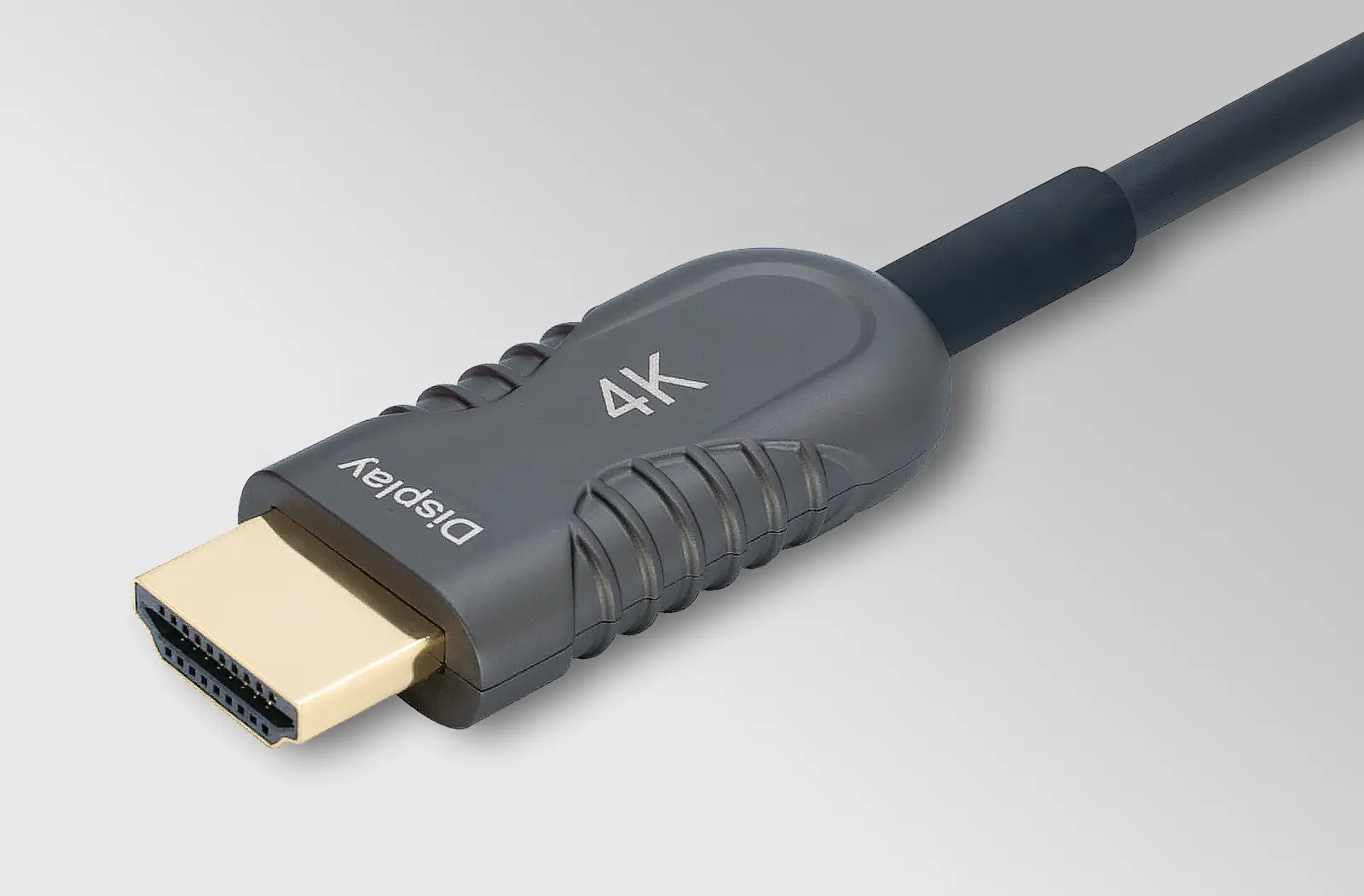
Directional Cables
A “Directional” cable simply means the cable only transfers data in one single direction. If you plug it in backward, it will not connect to your device or provide any signal. The plug labelled “DISPLAY” must be plugged into the TV Monitor input and the other plug labelled “SOURCE” must be plugged into the media source output. This type of cable are typically short copper “skinny” variants for portable devices, or active optical cables for long cable runs.
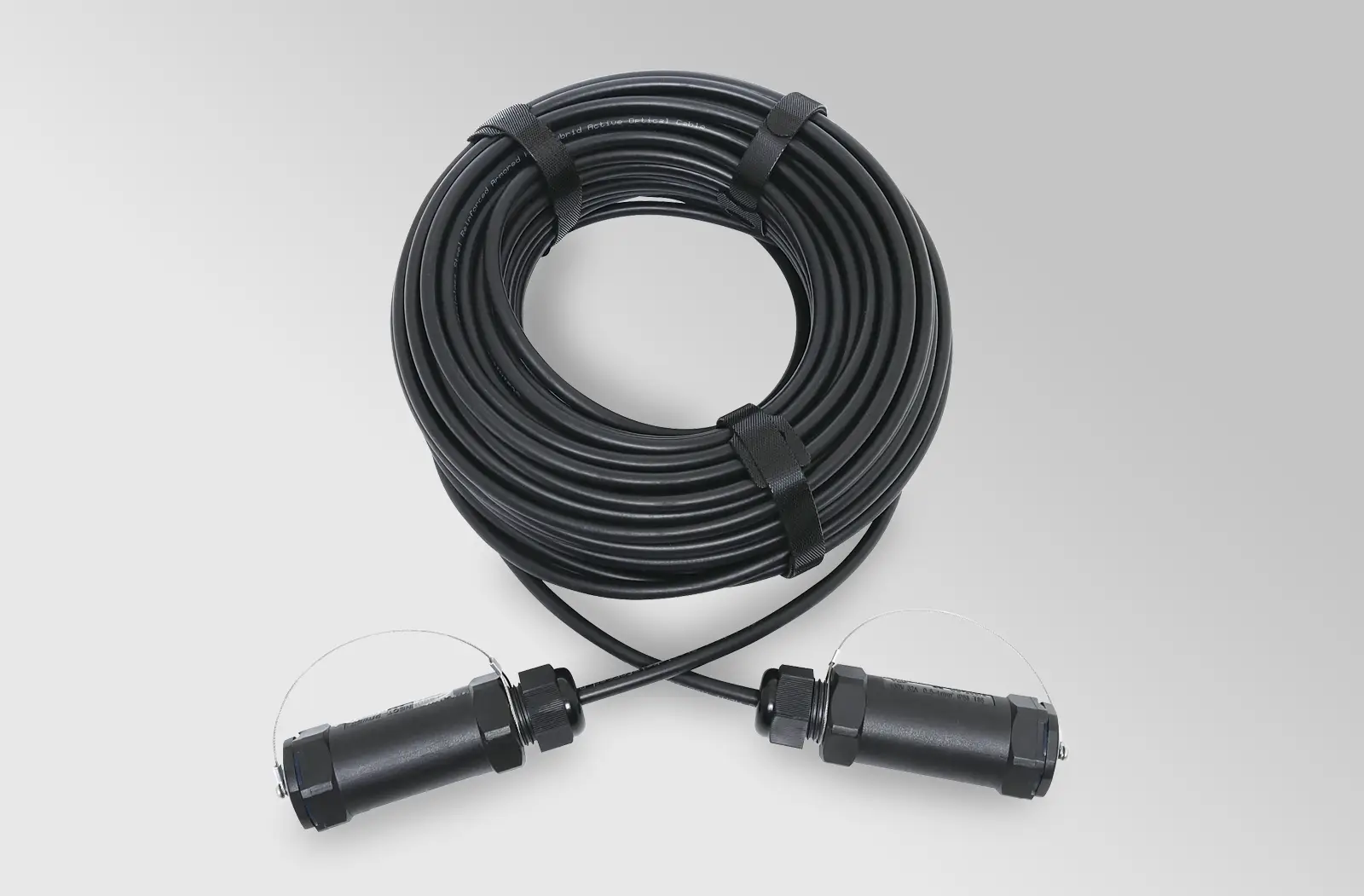
These cables are designed for use in temporary installations such as live functions and venues. Unlike traditional optical HDMI cables - typically designed for fixed installations and prone to failure when repeatedly handled - this rugged cable is built to withstand the demands of constant setup and teardown. Inside the thick sheath a stainless steel reinforcement and kevlar weave provides exceptional protection against damage and excessive bending. These cables can be run over distances up to 100 metres and provide resolutions up to 4K @ 60Hz.
Other things to consider.
Refresh Rate
For ultra smooth gaming experiences its important to consider the refresh rate. If you have a high performance monitor at home, a better choice will be an 8K ready HDMI cable which can provide up to 120Hz refresh rate for your screen at resolutions of 4K.
Audio Features (ARC vs eARC)
If you are connecting your TV to a soundbar or an AV receiver, look for eARC (Enhanced Audio Return Channel) compatibility. Standard ARC handles basic surround sound while,
eARC has much higher bandwidth, allowing you to pass uncompressed, high-end audio formats like Dolby Atmos and DTS:X from your TV directly to your sound system.
Ultra High Speed 8K cables support eARC by default.
Conclusion
When selecting HDMI cables its important to select the right type to ensure the best quality gaming or viewing experience. The important things to consider is what the cable will be used for, the distance of your cable run and the quality you want for the application. If installing the cable in your home permanently, you may also want to consider future proofing your installation by installing the best cable possible. If unsure please visit our friendly staff in store for advice and assistance.